
VectorCraft Online – Free Vector Editor in Your Browser
Preparing VectorCraft…
First visit downloads the editor once (≈19 MB). After that it opens instantly from your browser cache. Nothing you draw is uploaded.
Preparing VectorCraft…
First visit downloads the editor once (≈19 MB). After that it opens instantly from your browser cache. Nothing you draw is uploaded.
Free · Open source · In your browser
The open-source Illustrator alternative, running right here. Pen tool, Pathfinder, live effects, SVG and PDF export. No install, no account, and your files never leave your device.
About the app
VectorCraft is a free, open-source vector illustration app that recreates the Adobe Illustrator workflow. It is written from scratch in Rust by the ArtCraft team, runs on Windows, macOS, Linux and FreeBSD, and runs in the browser through WebAssembly — which is how you can use it on this page.
VectorCraft 0.9.0 is alpha software: drawing, Pathfinder, gradients, type, live effects and SVG/PDF files work today, while reliable .ai exchange and 3D are still in progress. It was called DrawCraft until October 2026. Read the full VectorCraft explainer.
VectorCraft features
VectorCraft follows Illustrator’s layout, tools, menus, panels and shortcuts, so if you have used Illustrator you already know where things are.
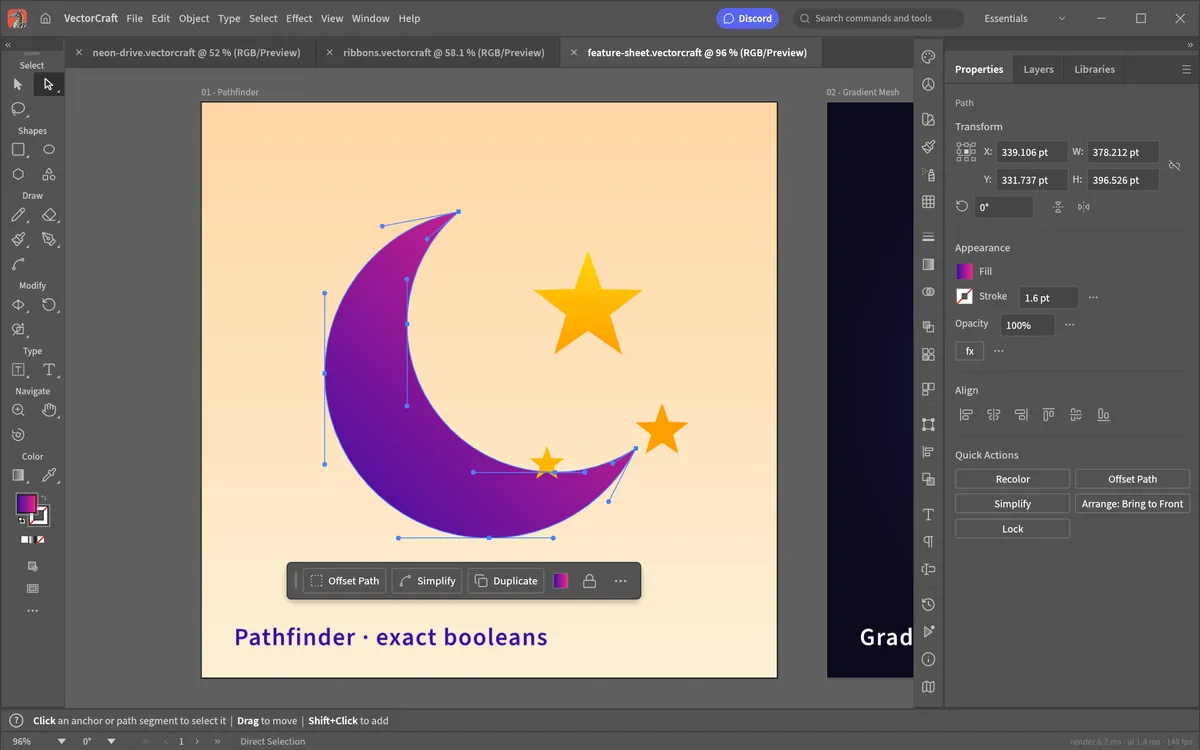
Real Bézier anchors and handles, Smart Guides and a contextual task bar, with Illustrator’s shortcuts.
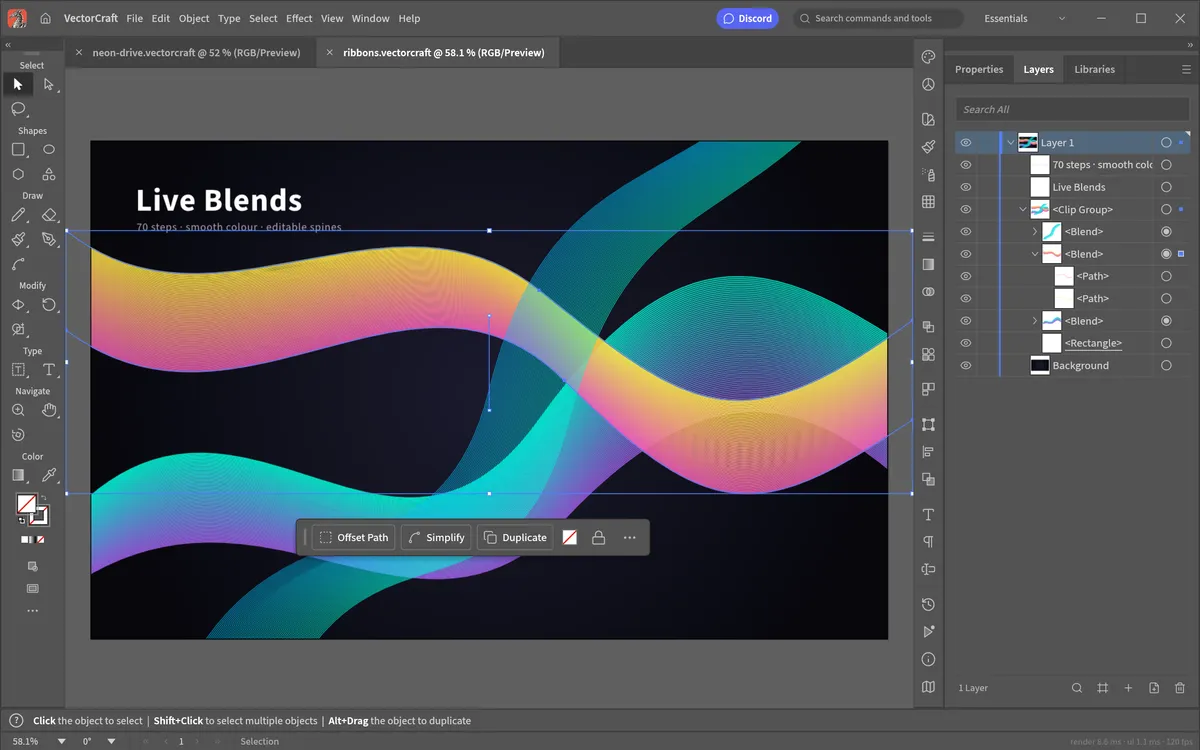
Editable blend spines, clipping masks, and a Layers panel where every object is a row.
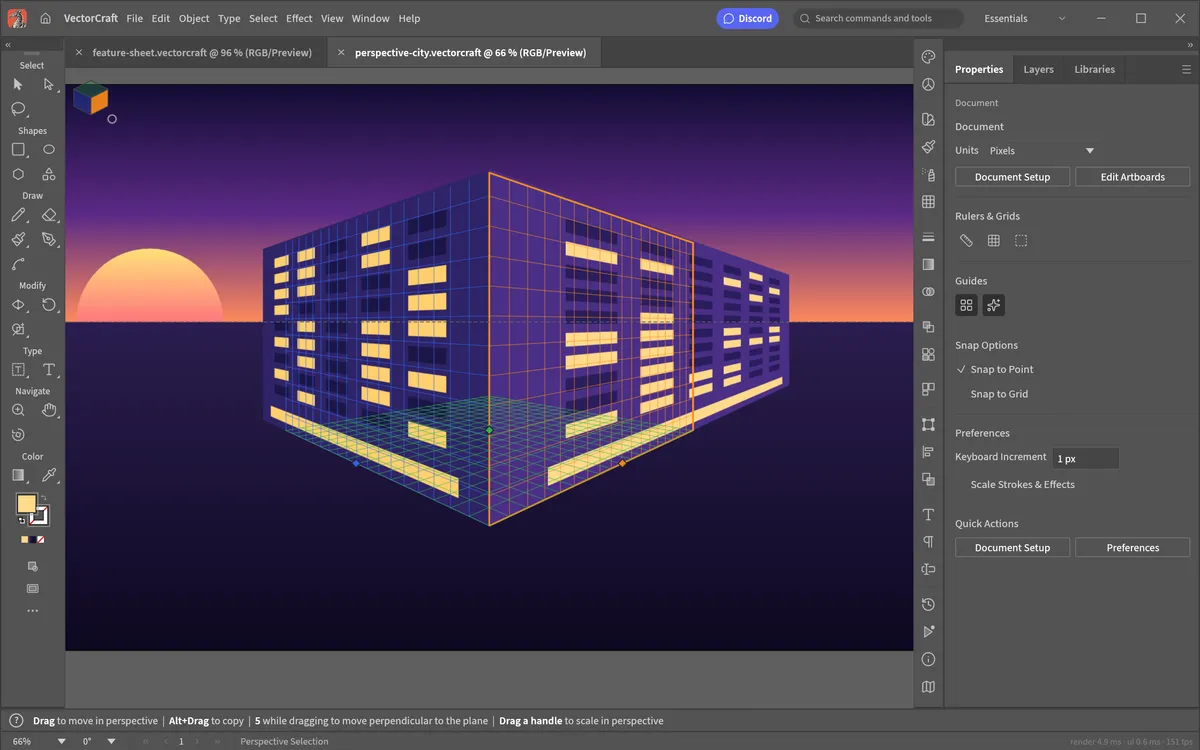
Draw on one- and two-point perspective planes, and keep the art editable in perspective.
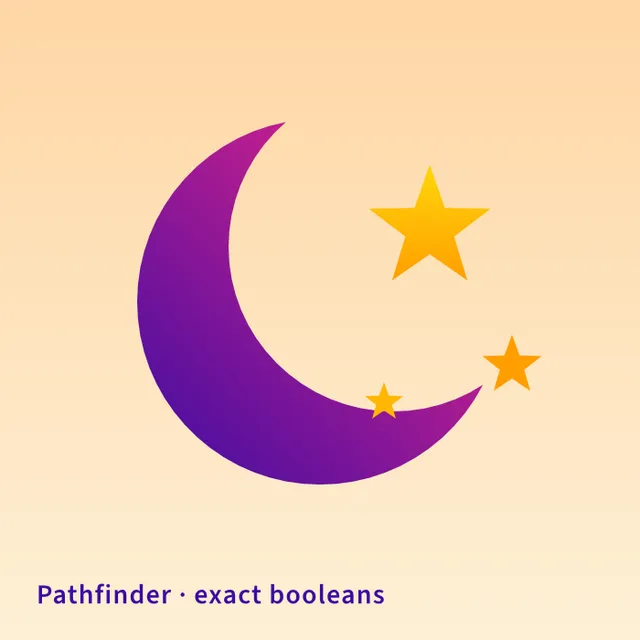
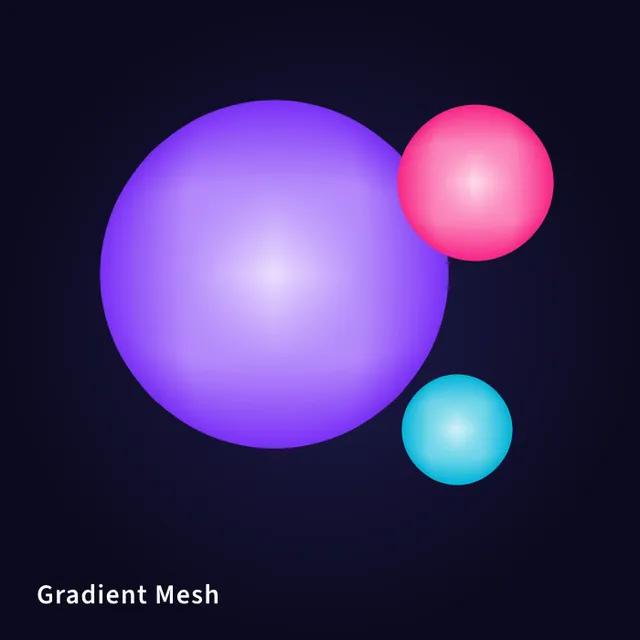
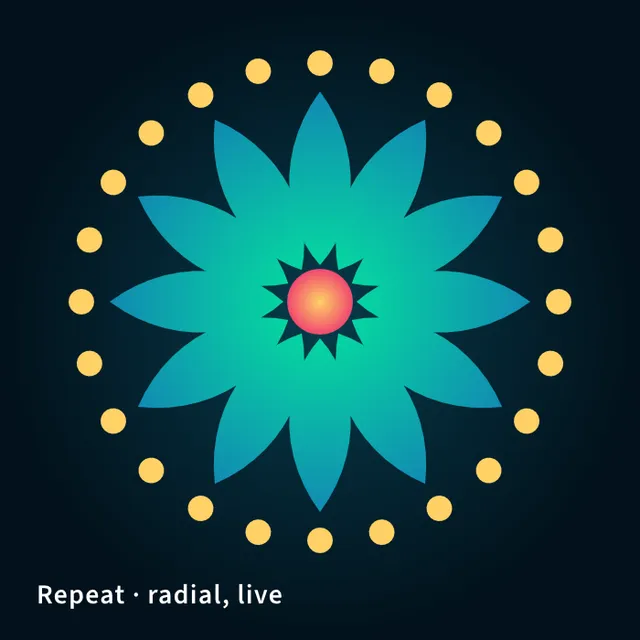
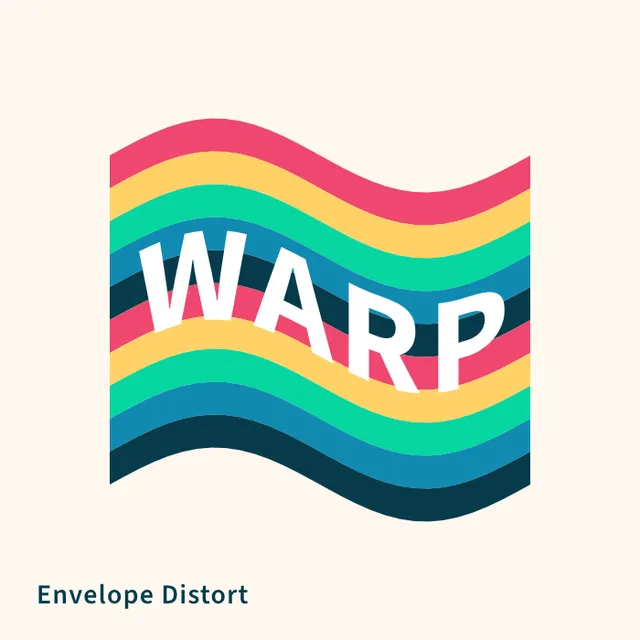
Screenshots and artwork: VectorCraft contributors, MIT OR Apache-2.0.
Get started
The first visit downloads the editor (about 19 MB). After that your browser keeps it, so it opens in a moment.
Create a new document, or use File › Open for SVG, PDF, PDF-compatible .ai and native .vectorcraft files.
Work with the Pen, shapes, Pathfinder and Appearance. File › Save and Export download straight to your computer.
Compare
| Feature | VectorCraft Online | Adobe Illustrator | Inkscape | Affinity |
|---|---|---|---|---|
| Price | Free | From $22.99/mo | Free | Free |
| Runs in the browser | ||||
| No install | ||||
| No account needed | ||||
| Open source | ||||
| Illustrator-style tools & shortcuts | ||||
| Maturity | Alpha | Industry standard | Mature | Mature |
Prices as of October 2026. Affinity is free for individuals with a Canva account. Read the full VectorCraft vs Illustrator comparison.
Desktop app
VectorCraft also runs natively on Windows, macOS, Linux and FreeBSD, with signed installers from the official GitHub releases.
Yes. VectorCraft is free, open-source software (MIT or Apache-2.0), and this site lets you use its web version without paying, installing anything or creating an account.
No. VectorCraft is made by the ArtCraft team, whose official site is getartcraft.com. VectorCraft Online is an independent site that hosts the unmodified official web build so you can use it instantly.
No. The editor is a WebAssembly app that runs entirely in your browser. Files you open are read locally, and saving or exporting downloads the file to your own computer.
VectorCraft opens and saves SVG, PDF and PDF-compatible .ai files, exports PNG, JPEG and WebP, and uses its own documented .vectorcraft format (JSON). It can also open Affinity documents, though it does not write them.
Not yet. VectorCraft is in alpha. Its authors estimate that about 88% of Illustrator 2026’s menu items, tools, effects and formats exist and that it is roughly 65% ready for real work. Reliable exchange of Illustrator’s own .ai files, 3D and generative AI are still missing.
A recent version of Chrome, Edge, Firefox or Safari on a computer. VectorCraft uses WebGPU when your browser has it and falls back to WebGL2 automatically. If the canvas stays blank, open vectorcraft.app/?webgl to force the WebGL renderer.
It loads, but VectorCraft is a desktop-class editor built for a mouse and keyboard, with Illustrator-style panels and shortcuts. For real work, use a computer.
Yes. Signed builds for Windows, macOS, Linux and FreeBSD are published on the official GitHub releases page. See our download page for which file to pick.
Compare & decide2 min read
Where to download VectorCraft safely, how to spot unofficial mirrors, how to verify checksums, and what happens to your files in the browser version.
Read guide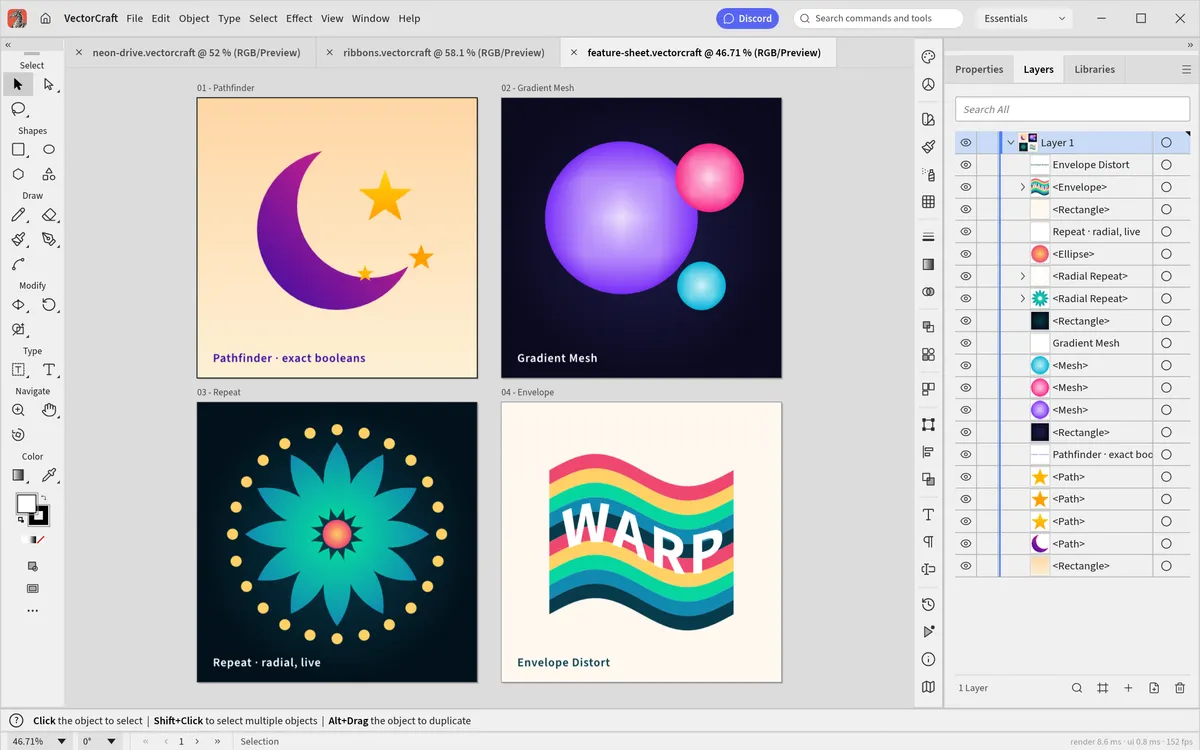
Tutorials3 min read
Use VectorCraft’s Image Trace to turn a PNG or JPG logo, sketch or photo into editable vector paths and export SVG, free and without uploading your image.
Read guideTutorials5 min read
Every default VectorCraft keyboard shortcut in one cheat sheet: tool keys, file, edit, object, arrange, view and zoom commands, plus how to customise them.
Read guideGetting started4 min read
A step-by-step VectorCraft tutorial: tour the workspace, create a document, draw shapes and Bézier curves with the Pen tool, combine shapes, add text, then save and export SVG.
Read guideCompare & decide3 min read
An honest comparison of VectorCraft and Adobe Illustrator in 2026: price, tools, file formats, what VectorCraft still lacks, and who should switch.
Read guideTutorials2 min read
VectorCraft ships an MCP server so Claude and other AI agents can draw, edit and export vector art. How to set it up with Claude Code, step by step.
Read guide