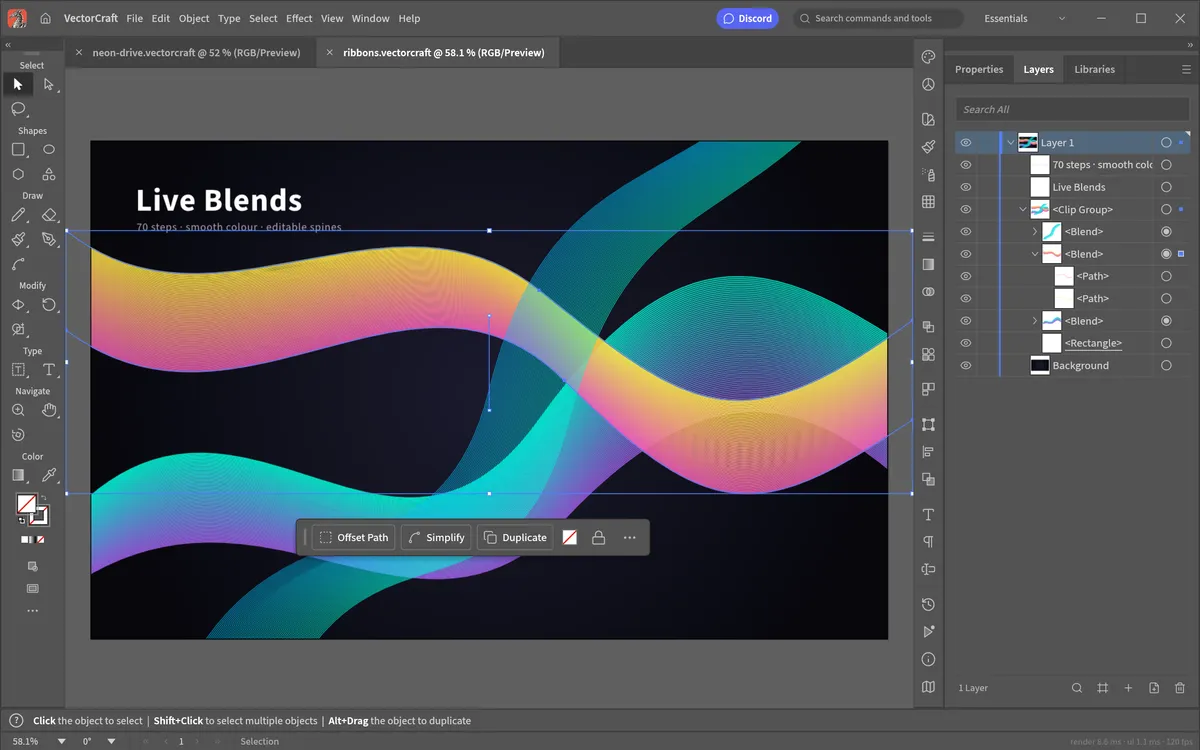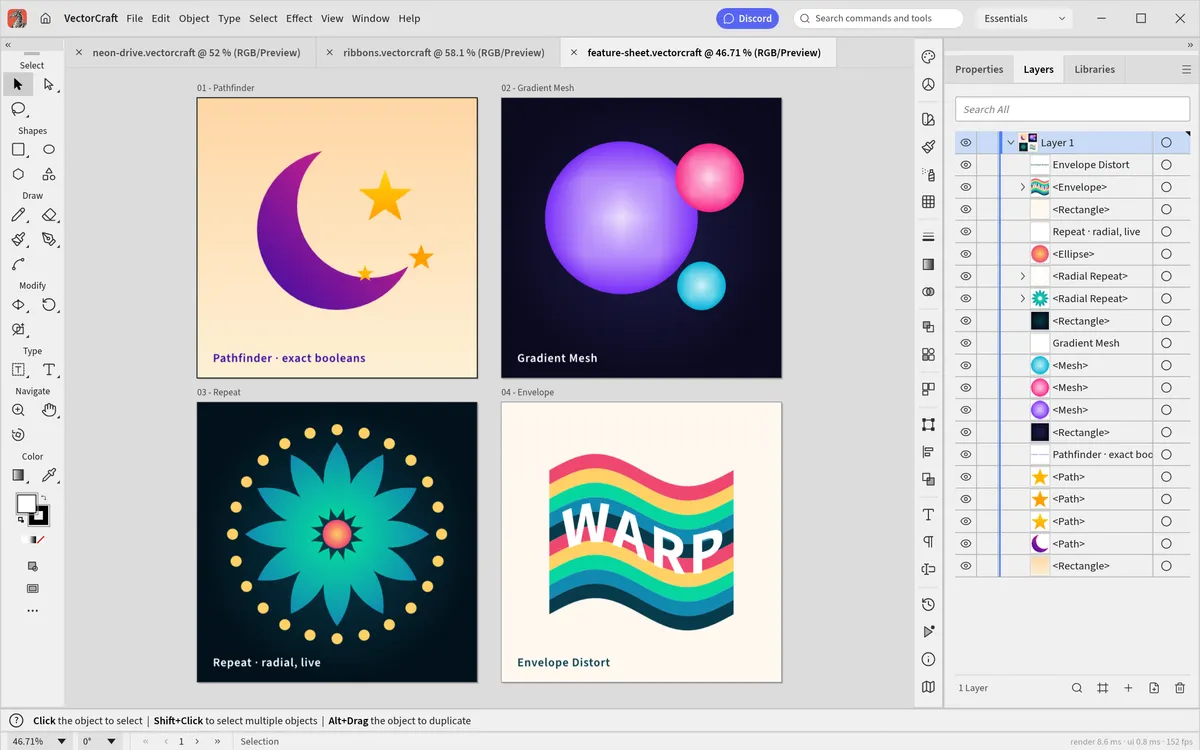
VectorCraft is a free, open-source vector editor that deliberately copies Adobe Illustrator's workflow: the same kind of layout, tools, menus, panels and keyboard shortcuts. It is written from scratch in Rust by the ArtCraft team and runs on Windows, macOS, Linux, FreeBSD and in the browser. Here is how the two compare today.
The short answer
VectorCraft is good enough for a lot of everyday illustration, but it is
alpha software and not yet a drop-in replacement for professional Illustrator
work. If you draw icons, posters, logos or diagrams and mainly exchange SVG
and PDF files, it is worth trying right now — you can open it in your
browser without installing anything. If your job depends on round-tripping
.ai files with clients, keep Illustrator for now.
At a glance
| VectorCraft | Adobe Illustrator | |
|---|---|---|
| Price | Free | From about $22.99/month (annual plan) |
| Licence | Open source (MIT or Apache-2.0) | Proprietary subscription |
| Platforms | Windows, macOS, Linux, FreeBSD, web browser | Windows, macOS, iPad |
| Account required | No | Adobe ID |
| Native format | .vectorcraft (documented JSON) | .ai |
| Maturity | Alpha (first public release 2026) | Industry standard since 1987 |
Illustrator prices vary by region and promotion; check Adobe's site for yours.
What VectorCraft already does well
- Familiar tools. The Pen and Direct Selection tools with real Bézier handles, Pathfinder and Shape Builder, Smart Guides, Appearance, Swatches and Layers.
- Live effects. Live blends, gradient meshes, radial and grid Repeat, Envelope Distort, a Perspective Grid, and effects such as Outer Glow.
- Robust geometry. Its authors stress exact curve booleans — no "cannot perform operation" errors — and unlimited undo.
- Open file formats. First-class SVG, PDF and PDF-compatible
.aiimport and export; PNG, JPEG and WebP export; Export for Screens. It can even open Affinity documents. - Speed. Rendering is multithreaded; the project quotes 20,000 shapes rendered in about 27 ms at retina resolution.
- Automation. Every menu item and tool can be driven over a JSON control channel and an MCP server, so AI agents like Claude can draw and export. See using VectorCraft with Claude and MCP.
Where Illustrator is still ahead
The VectorCraft team publishes its own gap list. As of version 0.9 the main missing pieces are:
- Reliable
.aiexchange. Layer structure in real-world Illustrator files does not always survive, and Illustrator's editing data is not written. - Interaction polish. Not every tool modifier and small behaviour matches Illustrator yet.
- 3D and Materials beyond an initial live Revolve.
- About half of the Photoshop-style raster effects and the Effect Gallery.
- Scripting, the rest of Variables, and generative AI features.
The project's self-assessment is that about 88% of Illustrator 2026's menu items, tools, effects and formats exist, and that it is roughly 65% "ready for real work" for a mainstream illustrator. Those are the authors' own numbers, measured against Illustrator's public documentation.
Who should switch?
- Students, hobbyists and anyone priced out of Creative Cloud: yes, try it. It costs nothing and the skills transfer both ways.
- Linux users: VectorCraft is one of very few Illustrator-style editors with a native Linux build.
- Developers and AI tinkerers: the MCP server and headless CLI are unique.
- Professionals who exchange
.aifiles daily: wait, or use VectorCraft alongside Illustrator for SVG and PDF work.
Try it in a minute
The fastest way to judge is to use it. VectorCraft Online runs the official web build in your browser — the first load is about 19 MB, then it opens instantly. Prefer a native app? Grab it from the download page.
Questions people ask
Can VectorCraft open Illustrator .ai files?
It opens PDF-compatible .ai files (the PDF part Illustrator saves inside them), but Illustrator-specific editing data and layer structure do not always come through. SVG and PDF are the most reliable exchange formats.
Are VectorCraft shortcuts the same as Illustrator?
Largely yes. Tool keys such as V, A, P, M and L and commands such as Cmd+G, Cmd+7 and Cmd+8 match Illustrator, and every shortcut can be changed in Edit › Keyboard Shortcuts.
Is VectorCraft good enough for professional work?
For SVG and PDF illustration, logos and icons it is already usable. Its own authors rate it about 65% ready for real work, so keep Illustrator if you depend on .ai round-trips, 3D or generative AI.
Try VectorCraft right now
The full editor runs in your browser. No install, no account.