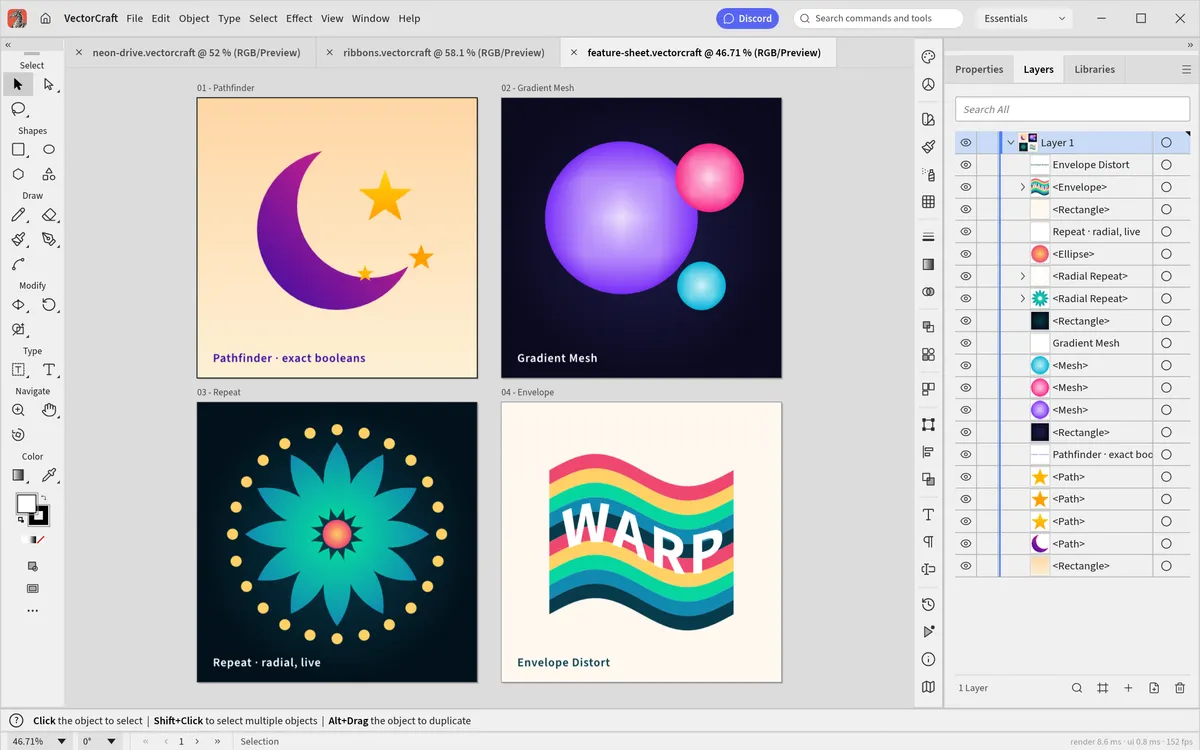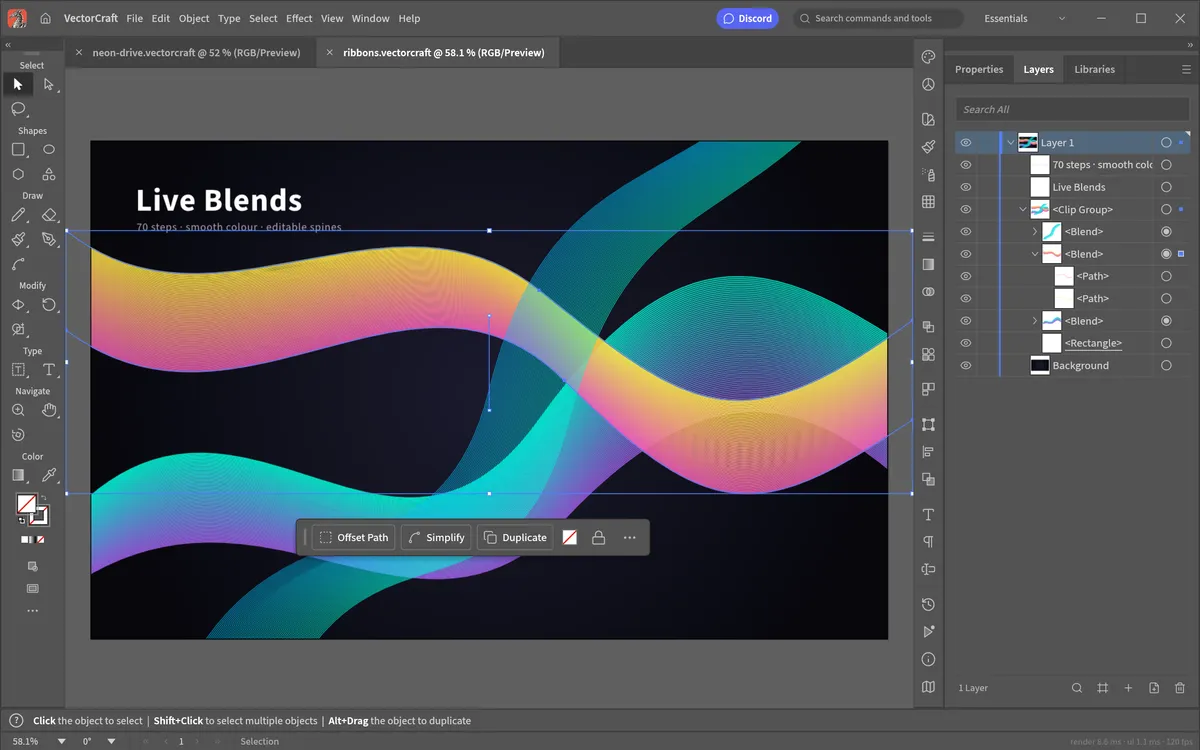
VectorCraft went viral in October 2026, and copies of it quickly appeared on GitHub forks, "mirror" sites and download portals. The software itself is open source and signed, but where you get it from matters. Here is how to stay safe.
Is VectorCraft itself safe?
VectorCraft is open-source software from the ArtCraft team. Its full source code is public on GitHub under the MIT or Apache-2.0 licence, so anyone can inspect what it does. The official desktop builds are signed:
- Windows installers and executables are code-signed.
- macOS builds are signed and notarized by Apple.
- Every release file has a SHA-256 checksum in
SHA256SUMS.txt.
Remember that VectorCraft is alpha software. "Safe" here means "not malware", not "never loses work" — save often and keep backups of important files.
The only official sources
- The GitHub releases of
storytold/vectorcraft— our download page links straight to these files. - getartcraft.com, the ArtCraft team's own website.
Search results also show forks under other GitHub accounts, mirror sites and software portals. Many are harmless copies, but you cannot easily tell which ones changed the files. If a site asks you to run a "launcher" or "installer" from somewhere other than the two sources above, skip it.
How to verify a download
Download SHA256SUMS.txt from the same release, then compute the hash of your
file and compare:
- macOS / Linux:
shasum -a 256 vectorcraft-0.9.0-macos-universal.dmg - Windows (Command Prompt):
certutil -hashfile vectorcraft-0.9.0-windows-x64.msi SHA256
If the hash does not match the line for that file exactly, delete it.
What about the browser version on this site?
VectorCraft Online is an independent site — not run by the ArtCraft team — that hosts the unmodified official web build from the GitHub release. We verify the release archive's SHA-256 checksum every time we build the site.
The editor is a WebAssembly app that runs entirely on your device:
- Files you open are read locally by your browser; they are not uploaded.
- Save and Export create downloads on your own computer.
- Preferences are kept in your browser's local storage.
We do not run a server that receives your artwork. See our privacy policy for what the website itself collects.
Bottom line
VectorCraft is safe when it comes from the official GitHub releases or getartcraft.com and its checksum matches. If you would rather not install anything at all, use it in your browser.
Questions people ask
Is VectorCraft a virus?
No — the official builds are open source and signed. Fake or modified copies are the risk, so download only from github.com/storytold/vectorcraft or getartcraft.com and check the SHA-256 checksum.
Does VectorCraft Online upload my files?
No. The editor runs in your browser with WebAssembly. Files are read locally and saving downloads them to your computer.
Why does Windows show a warning when installing?
Official VectorCraft installers are code-signed. If you see an unknown-publisher warning, check that the file came from the official GitHub release and that its checksum matches.
Try VectorCraft right now
The full editor runs in your browser. No install, no account.